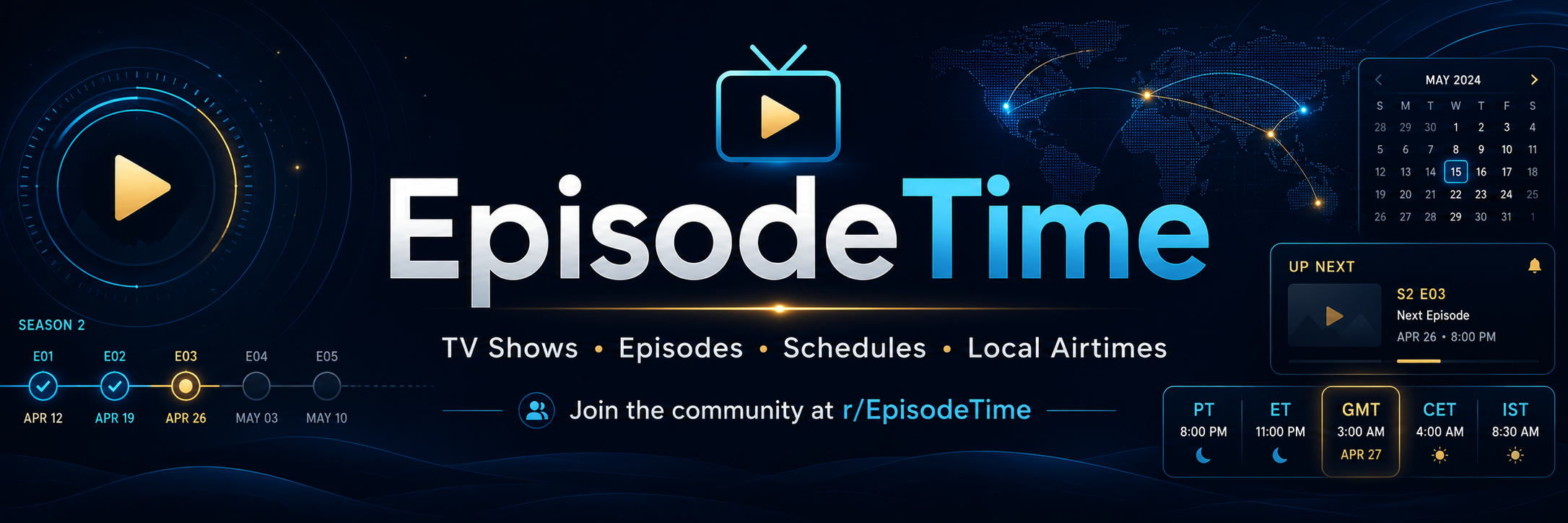
What Is EpisodeTime? TV Show Database, Episode Tracker, Release Time, Cast, Seasons, and Watchlist Guide
EpisoTime · 12/Jul/2026
What Is EpisodeTime.com? A Complete Basic Guide
EpisodeTime.com is an independent TV show database and tracker made for people who love TV shows. It helps users find TV shows, check seasons and episodes, see cast members, follow release times, and track what they are watching.
EpisodeTime is not a streaming website. It does not provide full episodes, movies, or illegal video links. It is an information website for TV fans.
The main goal of EpisodeTime is simple: help users know about TV shows and understand when new episodes air in their own local time.
What Does EpisodeTime Do?
EpisodeTime helps users search and understand TV shows in one place. A user can search for a show and open its page to see useful details.
A show page can include the show title, overview, poster, status, country, language, genres, network, runtime, first air date, last air date, number of seasons, number of episodes, cast, characters, release schedule, and local timezone conversion.
This makes EpisodeTime useful for people who want quick and clear TV show information.
Why EpisodeTime Is Useful
Many TV fans follow shows from different countries. A show may release in the United States at midnight, but that same time can be morning or afternoon in another country.
For example, a show may air at 12:00 AM in America, but for users in Greece, Pakistan, India, Dubai, or the United Kingdom, the time will be different.
EpisodeTime helps users understand this by showing the original release time and converting it into the user’s local timezone.
This is one of the most important features of EpisodeTime.
Is EpisodeTime a Streaming Site?
No, EpisodeTime is not a streaming site.
EpisodeTime does not host episodes. It does not offer pirated videos. It does not let users watch full shows directly on the website.
EpisodeTime is a TV information, tracking, and discovery website.
Users can use it to know what a show is about, when episodes air, who is in the cast, how many seasons exist, and how to track shows in a watchlist.
How to Use EpisodeTime
Using EpisodeTime is simple.
First, go to EpisodeTime.com. Then use the search bar to search for a TV show. After you find the show, open its page. On the show page, you can read the overview, check seasons, view episodes, see cast members, and check release time information.
If you have an account, you can also add the show to your watchlist and mark it as watching, completed, plan to watch, dropped, or not interested.
Search TV Shows
EpisodeTime lets users search for TV shows by name. Users can search popular shows, old shows, new shows, upcoming shows, dramas, anime, Korean dramas, Turkish series, American shows, British shows, and many other types of TV content.
Search helps users quickly find the show they want.
TV Show Pages
Every TV show on EpisodeTime can have its own page. This page gives users important information about the show.
A show page may include:
Title, overview, poster, status, country, language, genres, network, runtime, first air date, last air date, seasons, episodes, cast, characters, release time, and local time conversion.
This helps users understand the show without searching many different websites.
Seasons and Episodes
EpisodeTime shows season and episode information. Users can check how many seasons a show has and how many episodes are inside each season.
Episode details may include the episode title, episode number, season number, air date, air time, runtime, and short overview.
This is useful when users want to follow a show from the beginning or check which episode comes next.
Cast and Characters
EpisodeTime also shows cast and character information. Users can see actor names and the characters they play.
This helps answer questions like:
Who is in this show?
Who plays this character?
Which actors are main cast?
Which actors are guest cast?
Cast pages make the database more useful for TV fans.
Local Release Time Conversion
One of the strongest features of EpisodeTime is local release time conversion.
Many shows release in one original timezone. But users around the world need to know the release time in their own country.
EpisodeTime can show the original release time and convert it to the user’s local timezone.
This helps users answer:
When does the episode air in my country?
Is the episode today or tomorrow for me?
What time will it release in my local time?
This feature is very helpful for international TV fans.
Watchlist
EpisodeTime includes a watchlist system. A watchlist helps users track their shows.
Users can add a show and choose a status such as:
Watching
Plan to Watch
Completed
Dropped
Not Interested
This helps users organize what they are watching and what they want to watch later.
Favorites
Users can also mark shows as favorites. This helps them keep their best or most loved shows in one place.
Favorite shows are useful for quick access and personal tracking.
Rankings and Popular Shows
EpisodeTime can show popular or ranked TV shows. This helps users discover shows that other people are interested in.
Rankings can help users find new shows to watch.
Wiki-Style TV Show Pages
EpisodeTime has simple wiki-style pages for TV shows. These pages are made to be easy to read, like a clean TV encyclopedia article.
A wiki page can include an introduction, premise, cast and characters, seasons, episodes, production, release, and references.
The purpose of the wiki page is to give users a clear article about the show in simple language.
Add or Refresh TV Shows
EpisodeTime can allow users to add missing TV shows or refresh existing show data. This helps keep the database updated.
If a show is missing, users may be able to search and add it. If a show has old information, it can be refreshed.
This helps EpisodeTime grow over time.
EpisodeTime for New Shows
EpisodeTime is useful for new and upcoming shows. Users can check if a show is continuing, when the next episode may air, and how many episodes are available.
This is useful for weekly shows and streaming shows.
EpisodeTime for Old Shows
EpisodeTime is also useful for old and completed shows. Users can check old air dates, full season lists, episode counts, cast members, and show status.
This makes EpisodeTime useful as a long-term TV show reference website.
EpisodeTime for International Shows
EpisodeTime is not only for American TV shows. It can include shows from many countries and languages.
Users can find shows from the United States, United Kingdom, Korea, Japan, Turkey, India, Pakistan, Spain, Germany, France, Greece, and many other countries.
This makes EpisodeTime useful for global TV fans.
EpisodeTime Features A to Z
EpisodeTime can include many useful features.
A is for Add TV Show. Users can help add missing shows.
B is for Browse. Users can browse shows, genres, rankings, and pages.
C is for Cast. Users can check actors and characters.
D is for Database. EpisodeTime is a public TV show database.
E is for Episodes. Users can check episode titles, numbers, and air dates.
F is for Favorites. Users can save favorite shows.
G is for Genres. Shows can be grouped by genres like drama, comedy, crime, action, fantasy, and more.
H is for Homepage. Users can discover shows from the main page.
I is for Information. EpisodeTime gives clear show information.
J is for Journey. Users can track their TV watching journey.
K is for Knowledge. Wiki-style pages help users learn about shows.
L is for Local Time. EpisodeTime converts release time to local time.
M is for Manage. Users can manage their watchlist.
N is for Network. Show pages can include network or platform information.
O is for Overview. Users can read what a show is about.
P is for Profile. Users can manage their personal TV activity.
Q is for Quick Search. Users can quickly search for shows.
R is for Release Time. Users can check when episodes air.
S is for Seasons. Users can view season information.
T is for Timezone. EpisodeTime helps with timezone conversion.
U is for Upcoming Episodes. Users can follow future episodes when available.
V is for View Details. Users can open a show page and view full details.
W is for Watchlist. Users can track watching, completed, planned, dropped, and not interested shows.
X is for eXplore. Users can explore shows from different countries and genres.
Y is for Your Shows. Logged-in users can organize their own TV shows.
Z is for Zero Confusion. EpisodeTime tries to make TV show tracking and release times easier.
Is EpisodeTime Free?
EpisodeTime is designed as a public TV show information website. Users can search and read show pages.
Some personal features, like watchlist or profile options, may require login so the website can save user activity.
Is EpisodeTime Independent?
Yes. EpisodeTime is independent.
EpisodeTime is not affiliated with TV Time, TMDB, IMDb, TVMaze, or other TV platforms. It is its own TV show database and tracking project.
Who Should Use EpisodeTime?
EpisodeTime is useful for TV fans, drama fans, anime fans, streaming show fans, people who watch weekly episodes, people who want local release times, people who want a watchlist, and people who want a simple TV show database.
It is made for normal users who want clear answers.
Final Thoughts
EpisodeTime.com is an independent TV show database and tracker. It helps users search TV shows, check seasons and episodes, view cast, understand release times, convert episode times to local timezone, and manage a personal watchlist.
EpisodeTime is not a streaming website. It is a clean TV information platform for global TV fans.
If you want to know what a show is about, when the next episode airs, who is in the cast, how many seasons exist, or how to track your watching progress, EpisodeTime is made for that.